Turning a Phone into a Director Workflow
Most AI generators want you to prompt one image at a time. Shot Supervisor flips it: a project breaks down into scenes, scenes into shots, and Bria FIBO's deterministic JSON-native control keeps the visual language consistent across all of them.
The problem with prompt-by-prompt generation is that you can't shoot a film with it. You can shoot a moodboard. Shot Supervisor is what happens if you let a director's workflow drive the prompts, projects, scenes, shots, with the model choices serving the structure instead of being it.
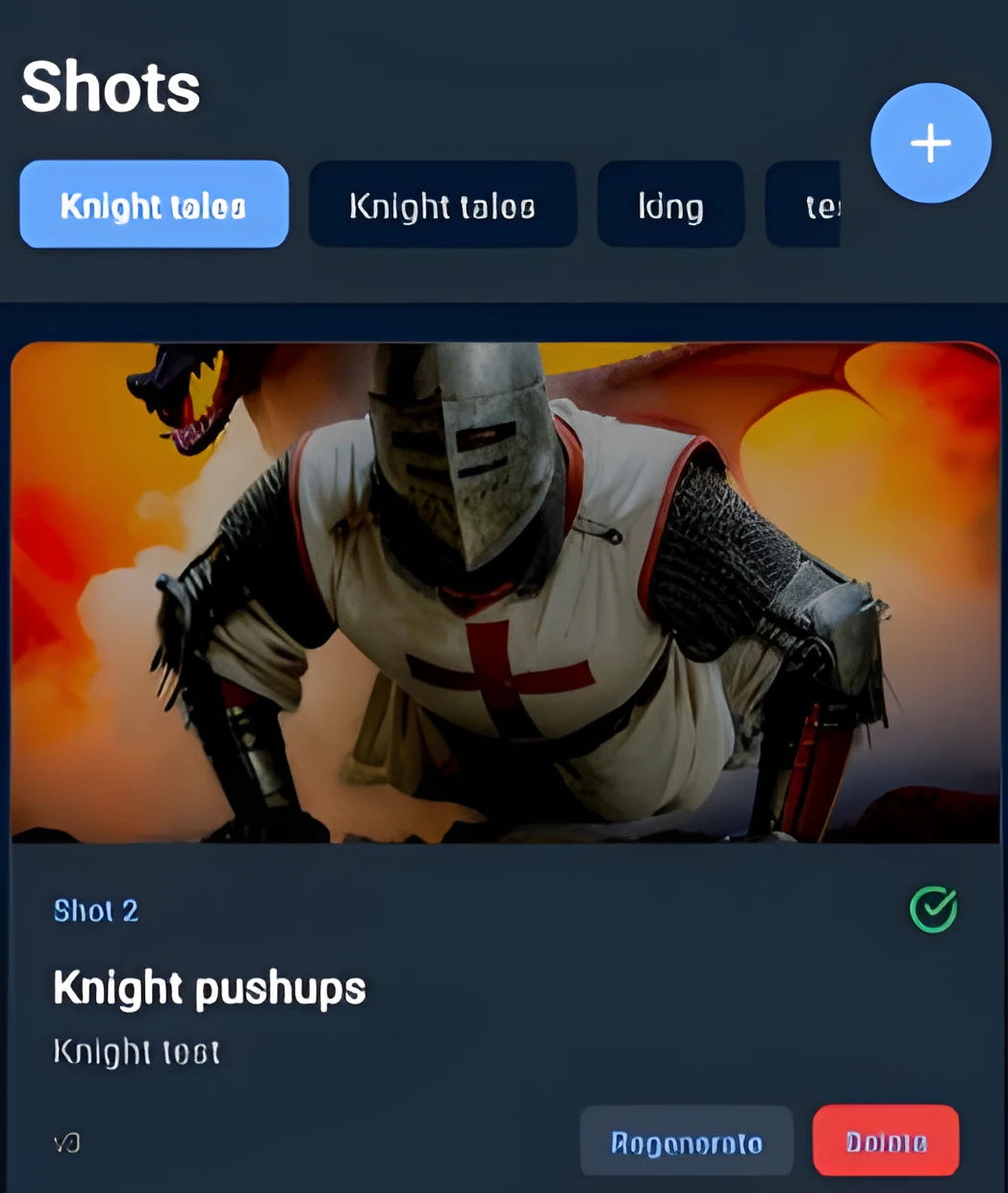
Why I built it
Professional visual production has a real gap between creative intent and technical execution. Today, creators jump between tools, prompts, exports, and manual tweaks just to keep shots consistent across a project. Prompt-based generation is powerful but unpredictable, and it breaks down quickly when precision, repeatability, or professional standards like HDR, bit depth, and color space matter.
Bria FIBO's JSON-native, deterministic control felt like the missing piece. Instead of fighting prompts, I wanted a tool where shots are planned, generated, edited, and exported with production-grade control, anywhere, on a phone.
Project → scene → shot
An LLM-driven breakdown turns a brief into a structured tree. Bria FIBO's deterministic generation keeps the look reproducible across that tree, the same character at the same hour of day stays the same character. The mobile-first UI means you can edit in line at the table, on a train, or on set.
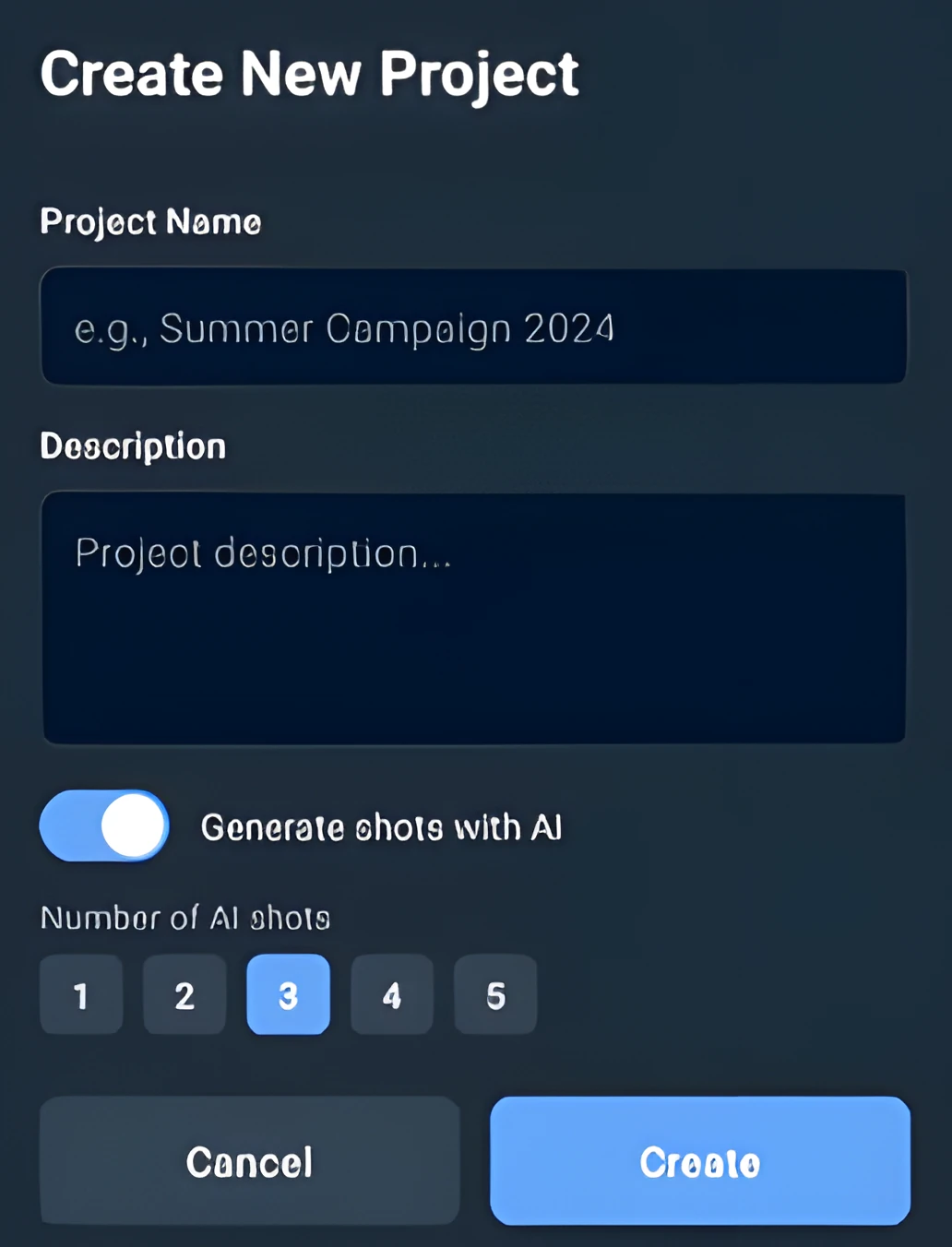
What it does
Three tabs map the workflow: Projects, Shots, Editor. Projects holds a name, description, and optionally up to 5 auto-generated shots from the project description. Shots is where each entry gets a title, prompt, and an optional reference image from camera roll or an in-app photo. Editor is the post step, on the same device.
Editor controls that actually matter on set
- Background removal and prompt-driven background replacement, plus background blur.
- HDR controls (custom endpoint): exposure, contrast, highlights, shadows.
- LUTs: None, Cinema (Filmic), Teal & Orange, Vibrant.
- Color spaces: sRGB, AdobeRGB, DCI-P3, Rec2020.
- Bit depth: 8, 10, 12, 16-bit.
- Product editing via the Bria Product API.
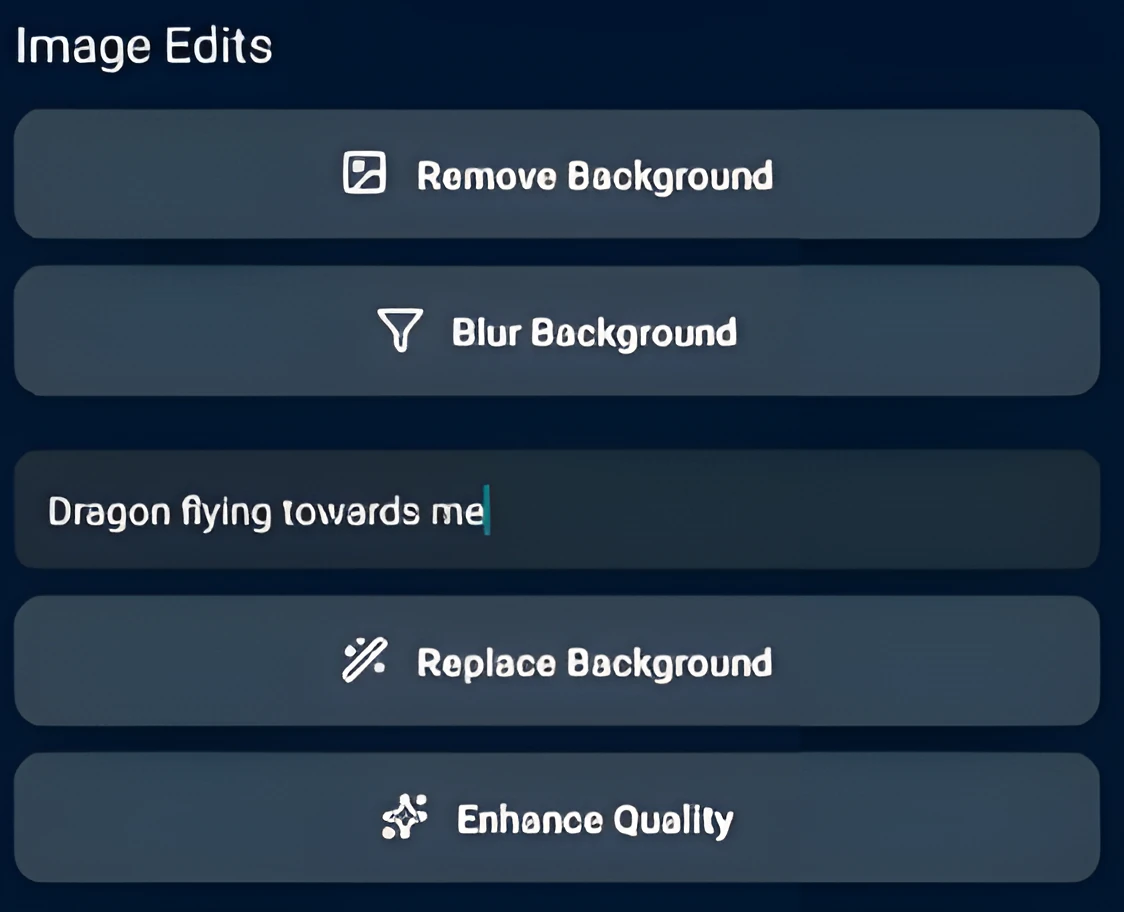
Real post-production on a phone
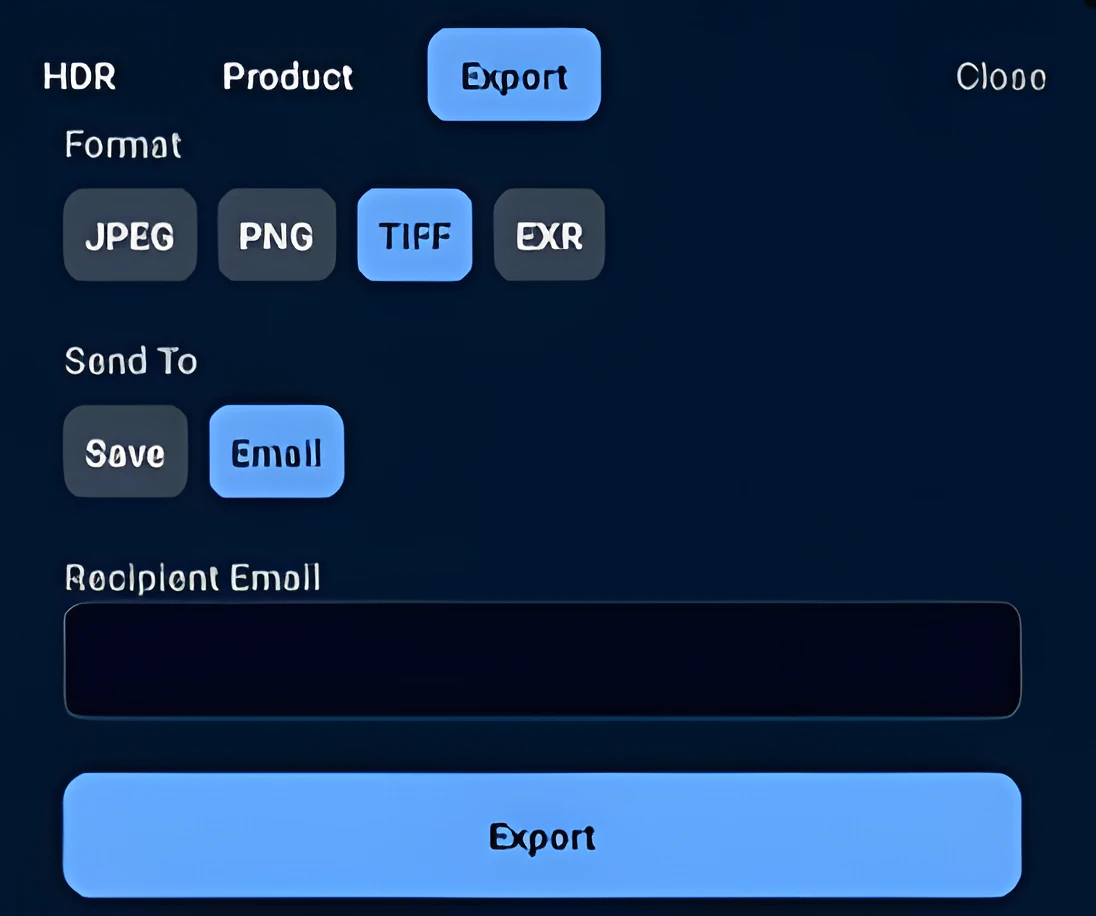
HDR tone control, LUTs, color space selection, high bit-depth processing, multi-format exports (JPEG, PNG, TIFF, EXR). The standards aren't a checklist, they're what makes the output usable downstream by anyone with a real grading pipeline.
How I built it
React Native and TypeScript on the client, Supabase for auth and the project / shot database, and a set of Vercel-hosted endpoints in front of Bria so secrets never sit on the device: bria-generate, bria-edit, bria-product, export-hdr, hdr-tone-map, email, and llm-breakdown. The llm-breakdown endpoint uses DeepSeek-V3 to convert a free-text project description into a structured shot plan that Bria's generate API can consume directly.
Splitting generation, editing, and HDR processing into modular endpoints keeps each one independently scalable and lets the HDR layer extend beyond default API constraints while staying compatible with Bria's pipeline.
What was hard
- Designing a professional editing workflow on mobile without overwhelming the screen.
- Balancing creative freedom with structured, deterministic control.
- Making HDR and high bit-depth feel intuitive instead of technical.
- Writing custom HDR endpoints that extend the defaults while staying compatible with Bria.
What I learned
- Professionals don't want better prompts, they want better controls.
- FIBO's structured generation unlocks workflows that prompt-only models can't.
- HDR, color space, and bit depth matter deeply in real production environments.
- JSON-native generation pairs extremely well with agentic and automated pipelines.
What's next
- Real-time HDR preview in the editor.
- Shot consistency auditing across projects.
- Histogram-based photo editing.
- MCP-powered Bria chat for conversational edits.
- Video support.
- Move the remaining Supabase client-side envs fully server-side.
50 Screens, 25 Tables, One Solo Developer, One Month
Building a real social platform for the RevenueCat Shipyard hackathon meant treating it like a startup, not a demo. Swipe-based discovery, real-time chat, convergence detection, RevenueCat-gated features, all behind Supabase Row Level Security.
Why I Built an AI Exoplanet Classifier That Says 'I Don't Know'
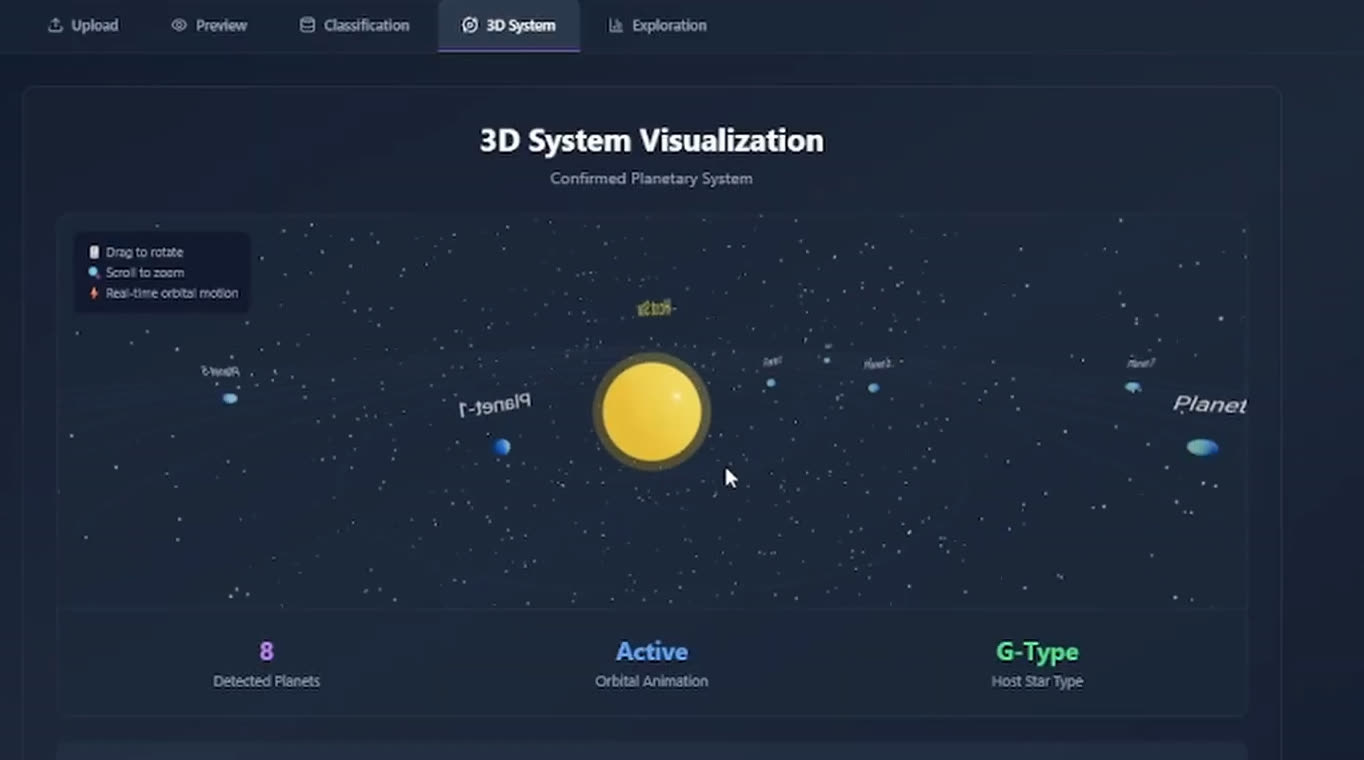
An XGBoost classifier on NASA Kepler, K2, and TESS data is a Saturday afternoon. The interesting part is everything around it: three real classes (CONFIRMED, CANDIDATE, FALSE POSITIVE) plus an UNKNOWN abstention bucket, dataset upload, in-browser retraining with hyperparameter tuning, 2D exploration, and 3D system views.
Related reading
The couch that would not go down the stairs, and the phone that now says so before you buy it
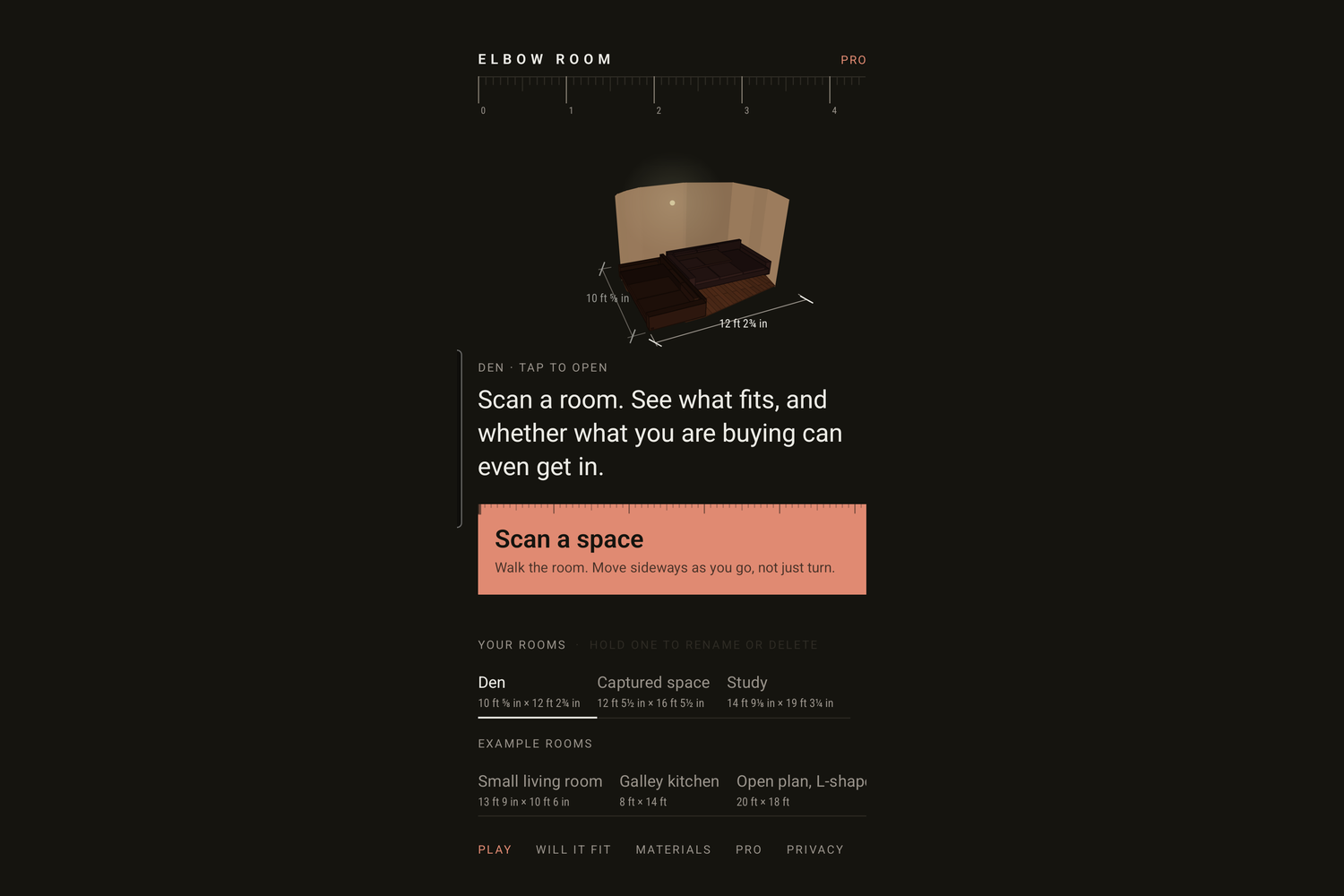
I bought a couch that would not go down my basement stairs. The flight turns ninety degrees on three winder treads, and I found out halfway, with the couch wedged and the wall gouged. Then a flood forced a water heater replacement and two installers brought a 279 litre tank down the same stairs. Two objects, one staircase, nobody measured it either time. Elbow Room Mobile scans a room with an Android phone that has no LiDAR, gives it back as a 3D model you can design, furnish and walk as your Sim, and answers the question no furniture app answers: can the thing actually get in. A three-seat sofa in the example house clears the front door and the hallway, then loses by 2 ft 10 in at the turn. The solver behind that is checked against the published closed form for a zero-width rod, which is the one part of the receipt I did not write the answer to.
50 Screens, 25 Tables, One Solo Developer, One Month
Building a real social platform for the RevenueCat Shipyard hackathon meant treating it like a startup, not a demo. Swipe-based discovery, real-time chat, convergence detection, RevenueCat-gated features, all behind Supabase Row Level Security.