I just published my first Udemy course: the ServiceNow catalog build I've done twenty times, plus the Now Assist Skill Kit end to end
Two years on the ServiceNow team at Cirque du Soleil, plus a stretch on client work at N2, taught me which parts of the catalog + Flow Designer + Now Assist stack you actually reach for and which parts the docs make you think matter but don't. The course is that filter, recorded from scratch on a fresh instance, ending with a Now Assist Skill Kit publish flow that isn't in the docs yet. Launch coupon inside.
The build I've done twenty times
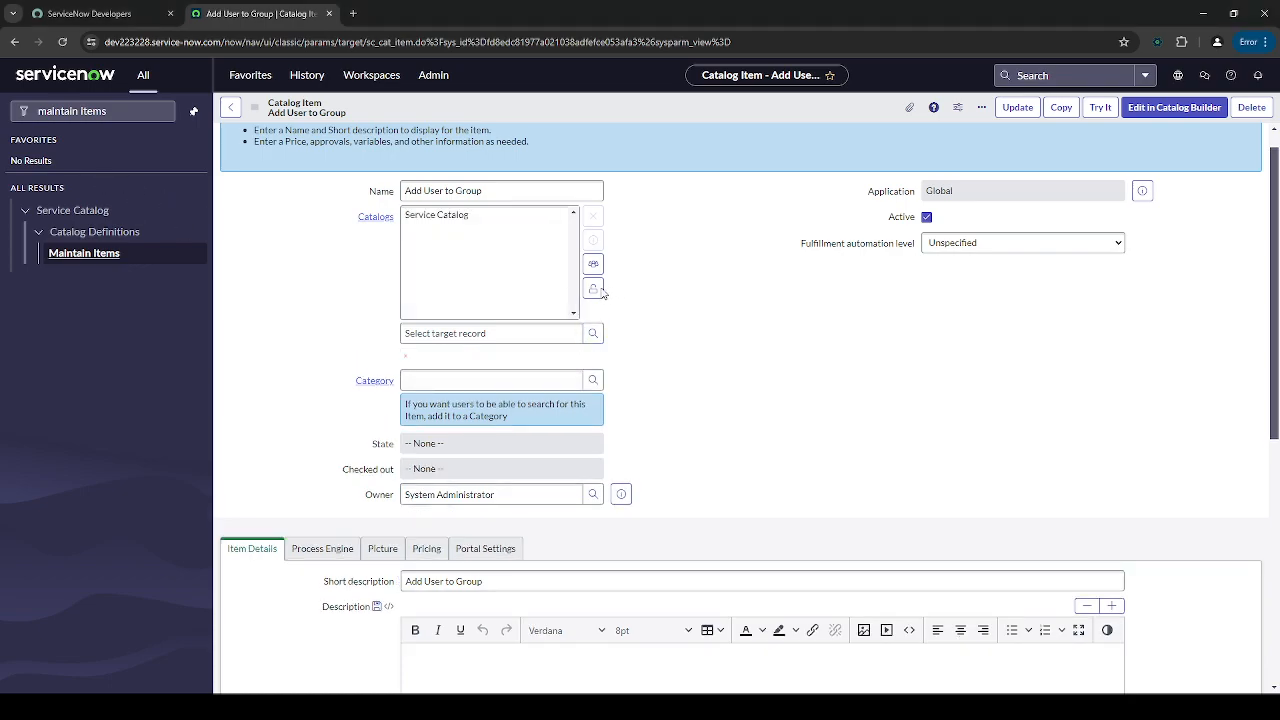
Two years on the ServiceNow team at Cirque du Soleil, plus client work at N2 Help & Solutions (Hydro-Québec is the enterprise credit on my current bench), taught me one thing about the platform: the same three or four patterns cover most of what a working developer is asked to ship. Catalog item with the right variable types on the form. Reference qualifier written once, then moved into a Script Include so every future catalog item calls the same function. Flow Designer flow that adds and removes group membership without duplicating the logic. Approval step in front of anything that grants access. That is the shape of most requests that land in a real backlog. The course is exactly that build, from an empty personal developer instance to a working end-to-end catalog item that provisions and de-provisions access with an approval gate.
What's not in the docs (yet)
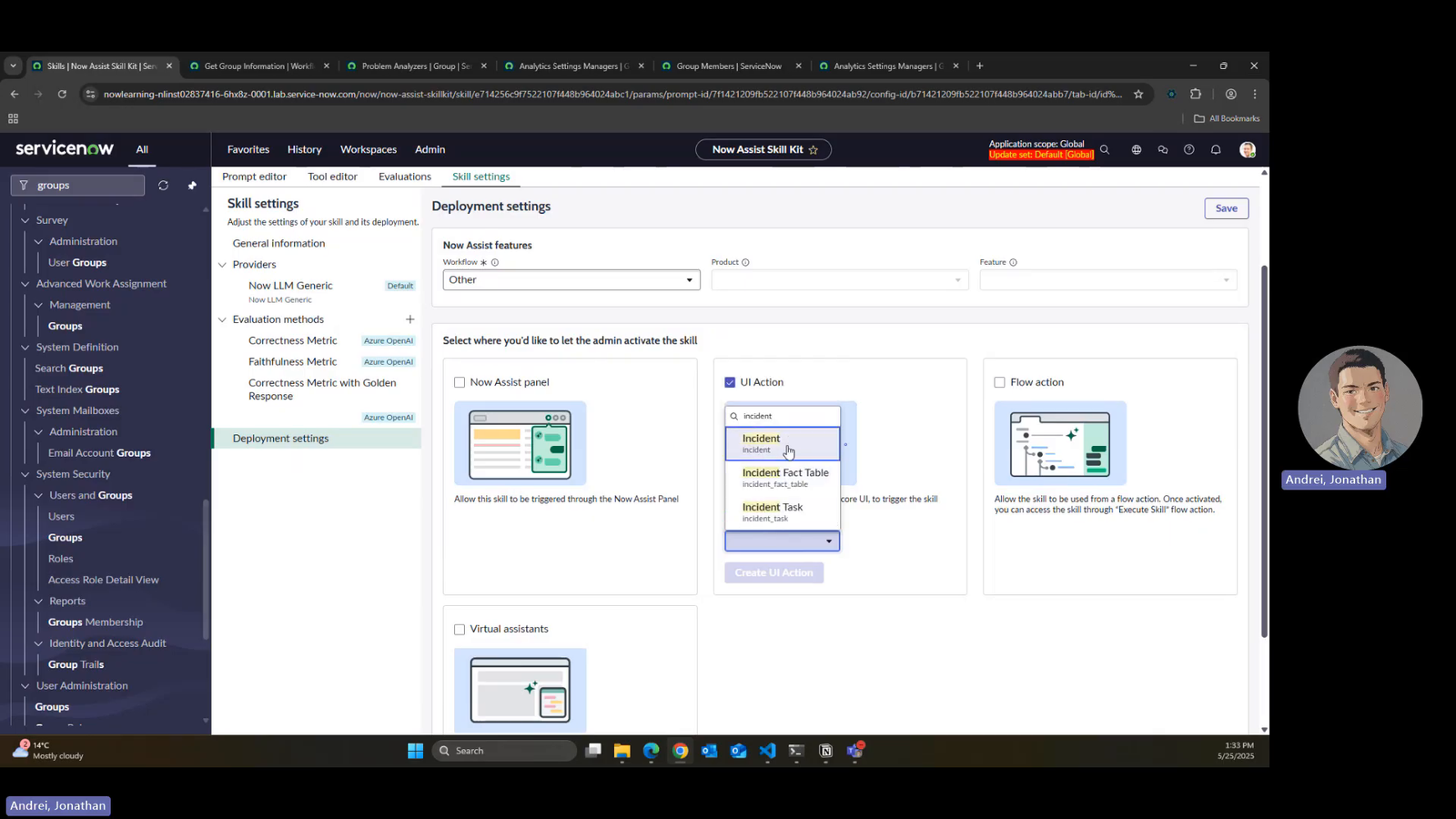
The last section of the course is Now Assist, and specifically the Now Assist Skill Kit publish flow. Now Assist landed as a headline feature in Vancouver and Washington and the reference docs are still catching up. The end-to-end path (define the skill, wire it to the model, test it against a real record, publish it, call it from a client script) is the kind of thing where reading nine open tabs still leaves you unsure whether the model actually saw the record you thought it did. I recorded it from scratch on a fresh Personal Developer Instance so the exact clicks are visible. If you have been asked to add a Now Assist skill to an existing form and don't know where to start, that section alone is why this course exists.
Who this is for
A junior developer who has clicked around ServiceNow Studio and knows what a catalog item is, but hasn't shipped one end to end for a real requester with a real approval. A mid-level developer whose team just adopted Vancouver or Washington and now has Now Assist in the platform without a clear path from playground to shipped. A senior developer onboarding a new team member who wants a one-week structured on-ramp instead of pointing them at fifty docs pages. If you already build catalog items in your sleep AND have shipped a Now Assist skill in prod, this course is not for you; the Personal Projects walkthroughs on my site are the deeper technical reading.
The free content stays free
The five ServiceNow videos on my YouTube channel (the Automated Groups four-part series and the Now Assist skill walkthrough) stay free. They are the same shape as the course but shorter, less structured, and without the fresh-instance-to-finished-catalog scaffolding. If you learn well from browsing individual videos, that surface is unchanged. The course is the version of that content I would want if I were the one onboarding into ServiceNow from scratch: sequenced, on one Personal Developer Instance, with the pieces that need to be in order actually in order, and the Now Assist Skill Kit piece bolted on at the end.

The couch took some of my basement wall on the way out. I built the planner nobody sold me
Every room planner ever built answers does it fit in the room. Elbow Room answers the question that costs people money and plaster: can it even get there. Predicted two real outcomes at my own house that had already happened (a couch that did not fit, a 279 litre water heater that did), agrees to 1.63 x 10^-6 inches with a 300-year-old closed-form corner solve, and ships 19 WebMCP tools so an agent can operate the canvas by talking. Cross-origin bonus: a separate furniture shop can ask my staircase over a shared read-only tool, both sides consent by name.
Nightshift reads 2,000 patents in 4 minutes for $34 and finds the reference the examiner missed
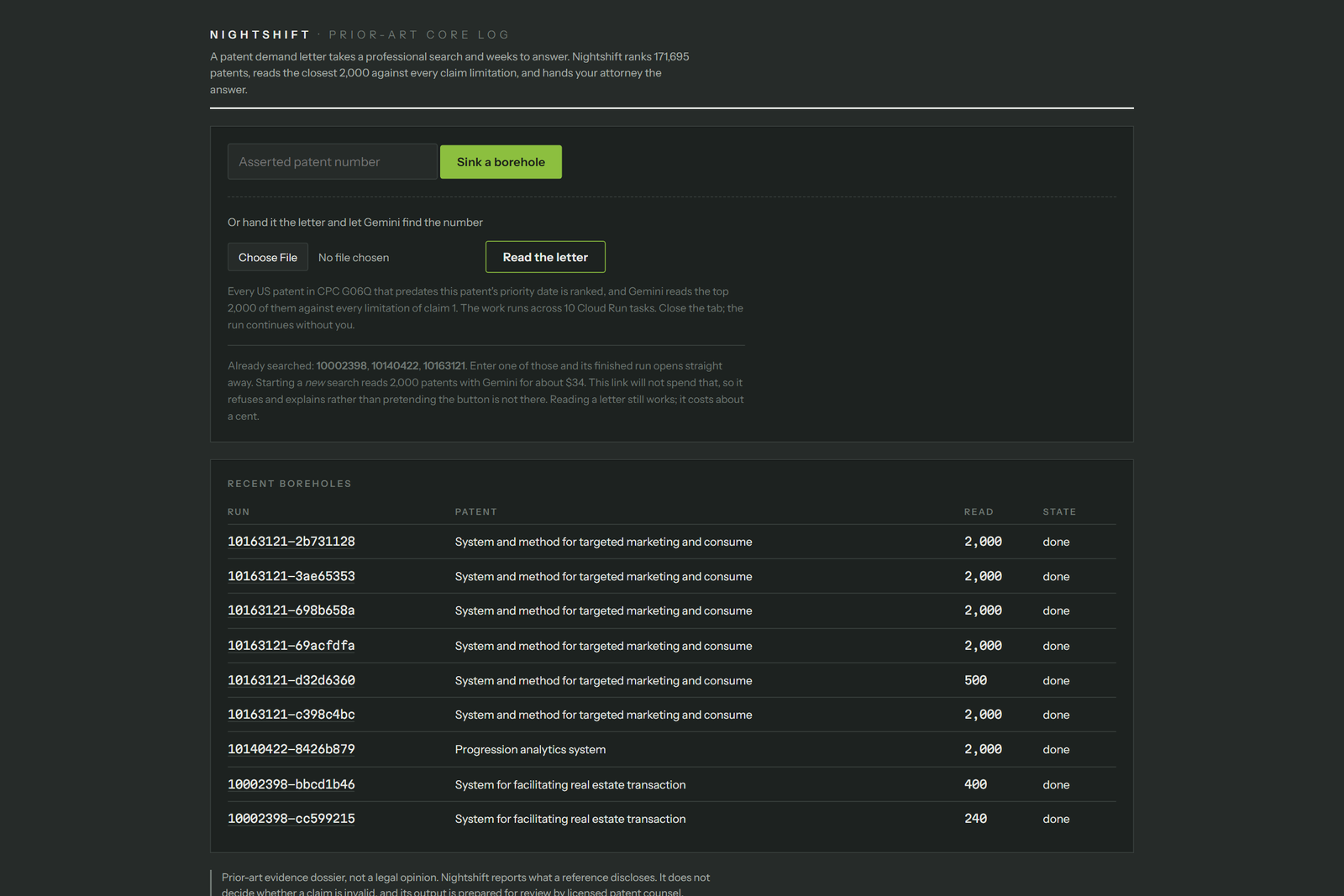
Every existing prior-art tool is a retrieval system: rank a corpus, show a human the top few dozen. That has a measurable ceiling: on the strongest embedding available, a top-50 shortlist still misses 59.7% of the references a USPTO examiner actually applied. Nightshift is a judgment system: a vector pass narrows 171,695 patents, then Gemini reads two thousand of them, not fifty, deciding for each whether it discloses each limitation. Blinded against real USPTO office-action citations: 97.5% recall of examiner-applied anticipation refs (n=40), 92.5% on obviousness (n=40), 18.8% on a control set never cited. On the demo run, 4 minutes across 10 Cloud Run tasks, $34.57, it independently surfaced the examiner's own X-cite at depth 218, plus a 1998 reference the examiner missed that teaches six of seven limitations outright.