What I Learned Building a Browser Extension Around Chrome's Built-in AI
Chrome's Prompt, Summarizer, and Translator APIs make on-device AI a reality. InstaQ stitches them together so any webpage becomes a Q&A surface, with sessions you can come back to.
On-device AI in the browser changes the assumption that every AI feature needs a server. InstaQ is a browser extension built on Chrome's built-in Prompt, Summarizer, and Translator APIs that lets users ask questions, summarize, and translate any page, locally.
Why I built it
When I talk to an AI on a hosted platform, closing the tab usually means losing the conversation context, and most services don't offer a free way to save sessions for re-use. I wanted to centralize questions, summaries, and translations in one place without ever leaving the browser, and without sending page text off the device.
Sessions, not single shots
The thing that turns this from a toy into a tool is session storage. Conversations resume where you left them, with the original page context preserved. You can come back to a research thread tomorrow on a different tab. Sessions can be cloned, renamed, and removed, and each one remembers its own context (stored in the background script).
What it does
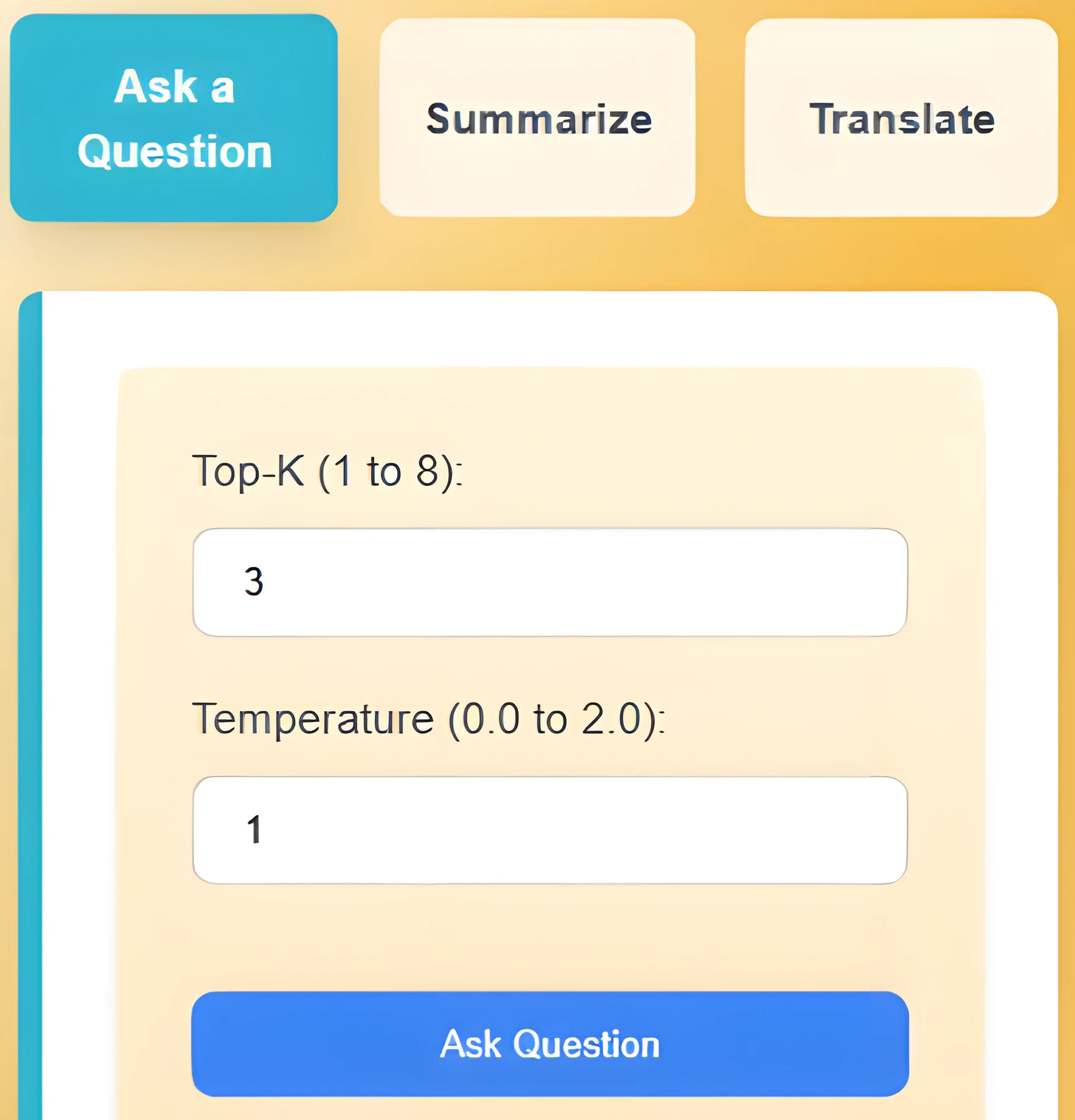
Three modes share the same panel: ask, summarize, translate. Each mode is built around what makes that task actually useful in the middle of reading a page, not just a wrapper around a model call.
Ask
- Question responses save into sessions so previous conversations stay reachable.
- Top-K and Temperature on the Prompt API are exposed so I can finetune responses per session.
- A button copies all the text on the current page into the extension for review.
Summarize
Highlight text on a webpage and summarize it directly from the extension. Type, format, length, and shared context are configurable. Free text input also works for things you paste in manually.
Translate
Translation works on highlighted or free text. Supported languages: English, Spanish, Mandarin Chinese, Japanese, Portuguese, Russian, Turkish, Hindi, Vietnamese, Bengali. A swap button toggles source and target language and re-translates automatically.
How I built it
React, Tailwind, TypeScript and JavaScript, with a manifest file to package it as a browser extension. The three Chrome APIs (Prompt, Summarizer, Translator) are the core. All API calls run in a background script so the extension keeps working even when its popup is closed, and so session state survives between opens.
What was hard
Making the extension fully persistent was the biggest challenge. Variables had to live in the background script so re-opening restored every input, every response, every session, especially across the Prompt API's session model. Chrome's storage API ended up doing most of that heavy lifting.
The Translator API doesn't work with service workers, which is exactly what a background script is. The fix was to call it from offscreen.js and have the background script communicate with the offscreen page whenever the frontend triggered a translation. Not obvious from the docs, but it works cleanly once wired up.
What I learned
- Offscreen scripts: first time encountering an API that doesn't work with service workers.
- Chrome's storage API for persistent background-script state across opens and closes.
- First hands-on with Chrome's Prompt, Summarizer, and Translator APIs, and with Google Canary as the dev target.
What's next
Video summarization and translation by URL are the obvious next step, but privacy restrictions on YouTube and similar sites made it risky to ship inside the hackathon window. After that: UX polish, including friendlier names for Top-K and Temperature so casual users aren't staring at raw sampling parameters, and a cleaner layout for the three modes.
Letting Gemini Write SQL Against BigQuery, So Fans Don't Have To
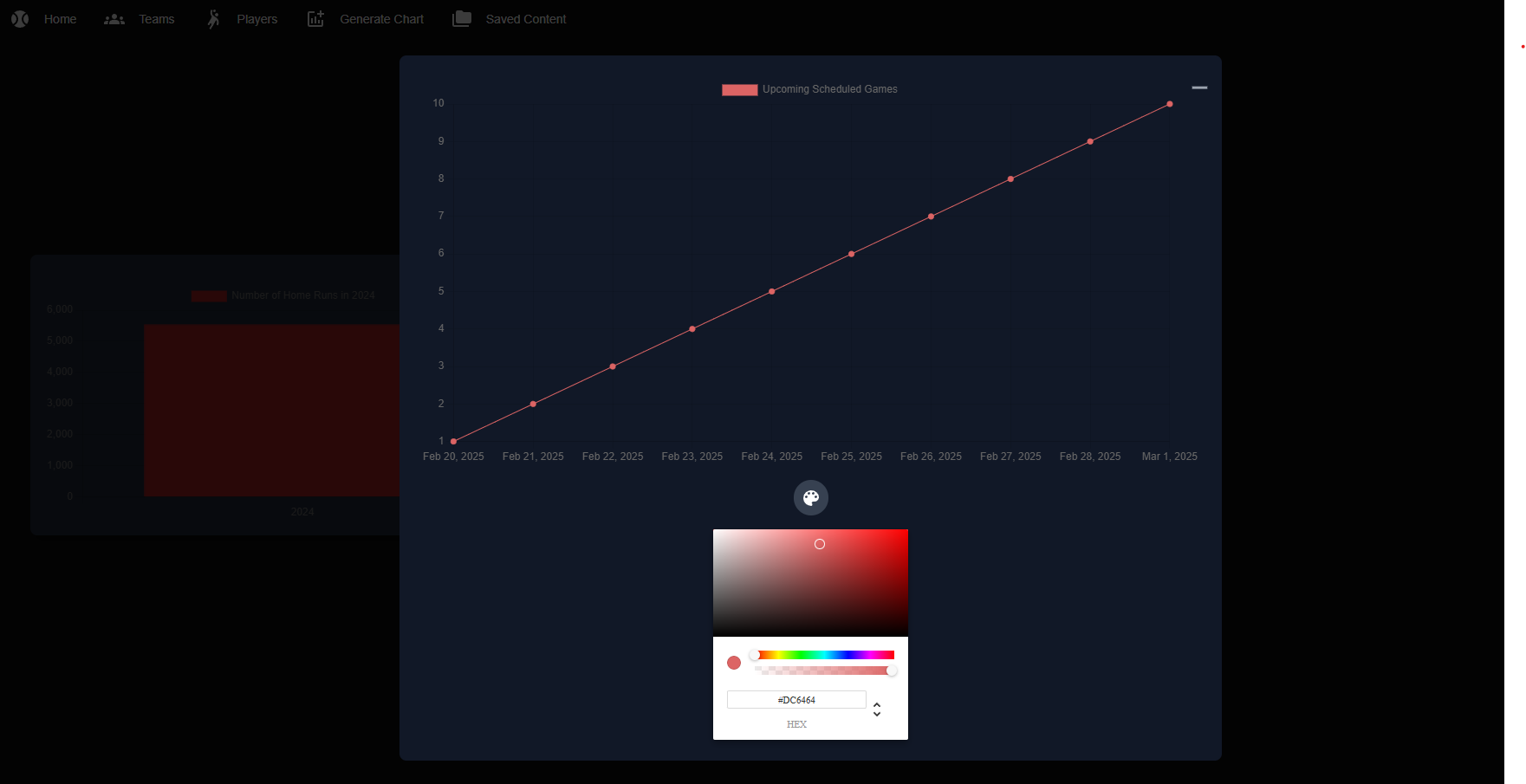
Personalized baseball coverage that actually personalizes: follow your players, pick your schedule, and an LLM-translated SQL layer lets the AI generate stats and visualizations against fresh MLB data without code changes.
Driving a 3D Map by Voice
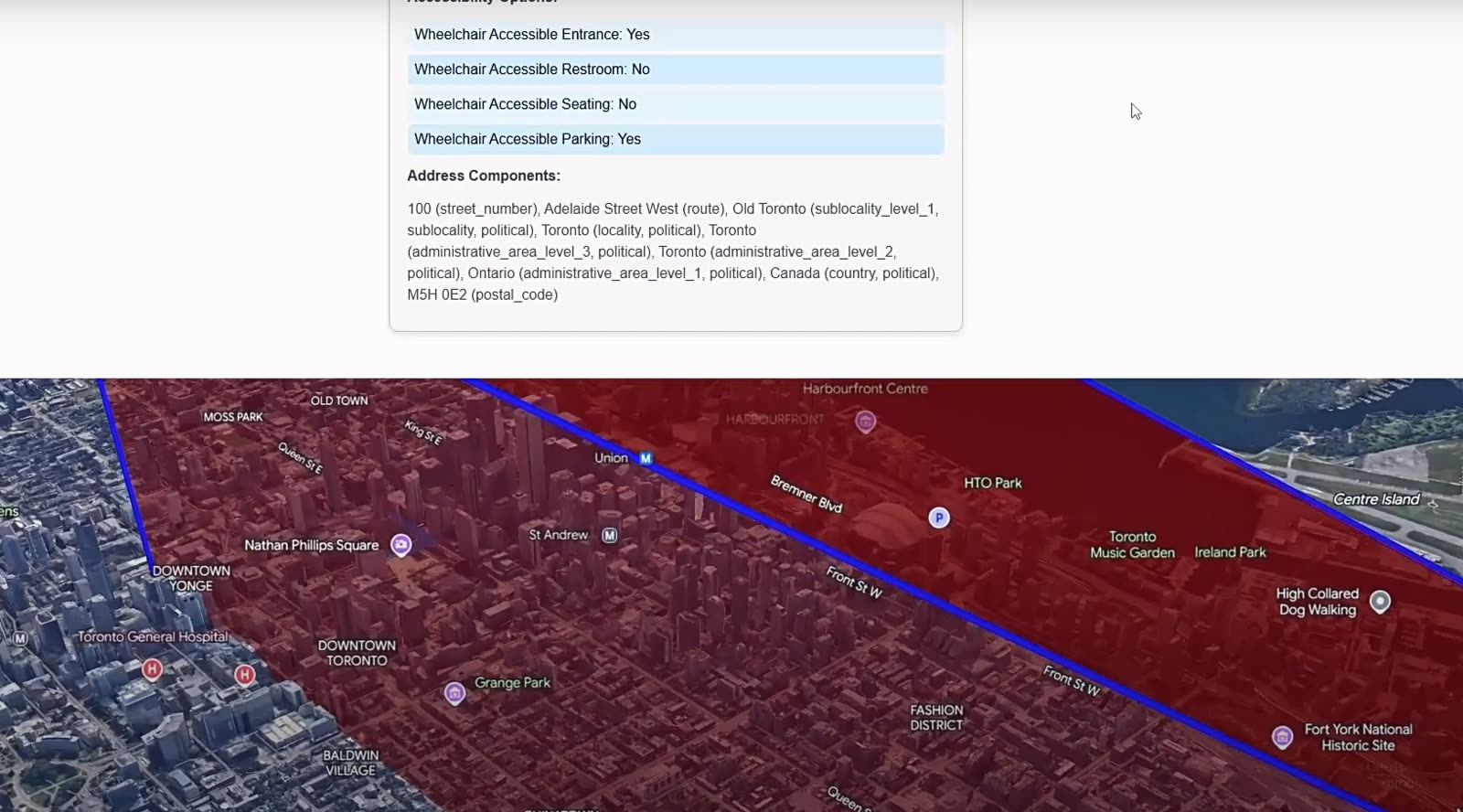
Google's photorealistic 3D Maps API meets WebkitSpeechRecognition. Say 'drive me from Mile End to Old Port via the Lachine Canal' and the camera flies. Toggle between driving, walking, cycling, transit.