Driving a 3D Map by Voice
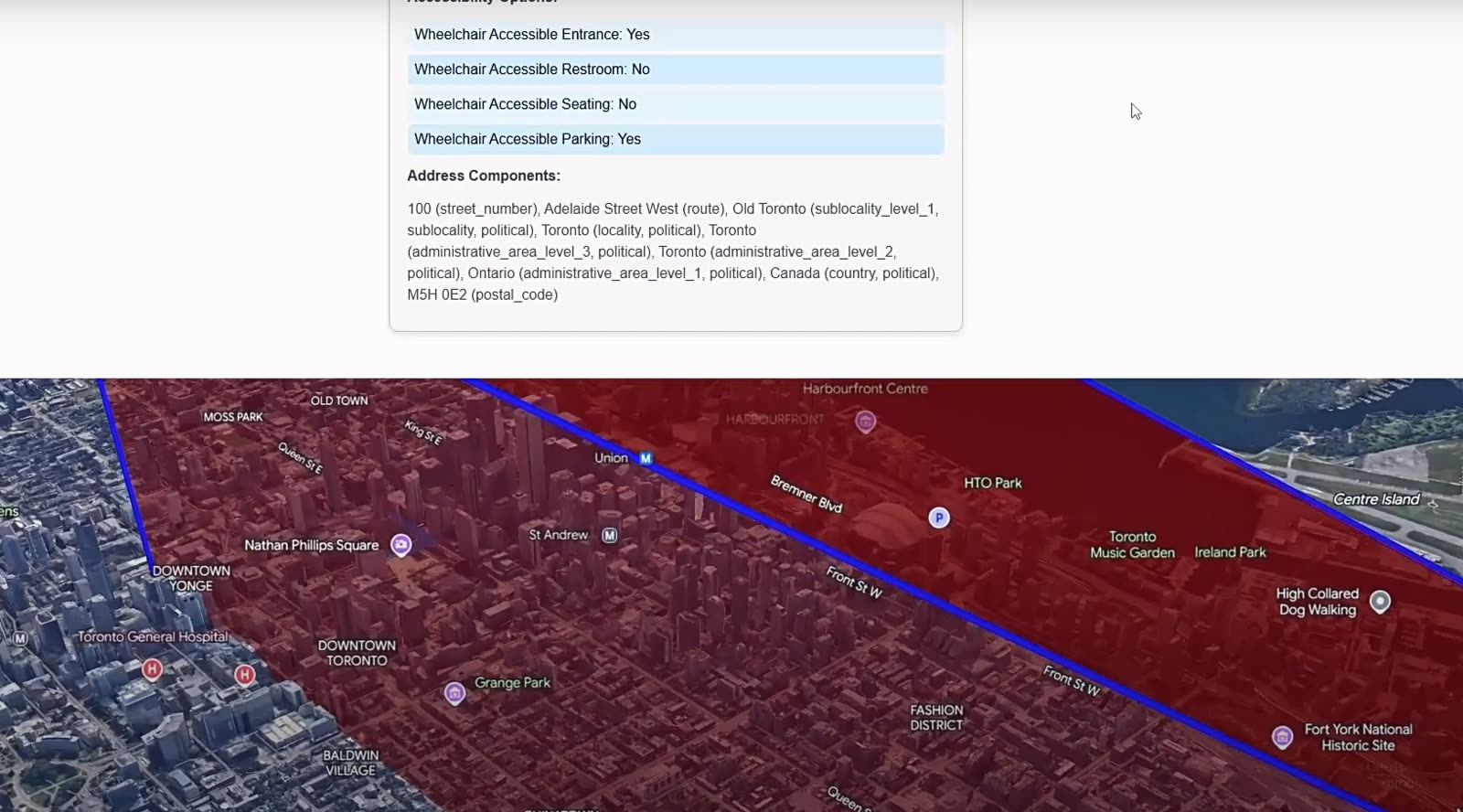
Google's photorealistic 3D Maps API meets WebkitSpeechRecognition. Say 'drive me from Mile End to Old Port via the Lachine Canal' and the camera flies. Toggle between driving, walking, cycling, transit.
Voice-first interfaces for maps are usually a CarPlay afterthought. With Google's photorealistic 3D Maps and WebkitSpeechRecognition in the browser, you can actually make the camera follow your sentence: place names parsed, routes computed, and the view flies through the city as if you were narrating a film.
Why I built it
I was learning the Google 3D Maps API and the photorealism is genuinely striking, but every demo I saw was mouse-driven: click, drag, pinch. That felt like a waste of the medium. If the world looks like the world, the interface should feel less like a map app and more like talking to a copilot. I wanted to see how far I could push that with browser-native voice recognition and a handful of Google APIs.
What it does
I speak a destination and the app does the rest: it geocodes the place, flies the camera to a sensible start point, and draws the path to the destination. A 3D model sits at the start, and I can drive it with W and S (forward and backward) along the computed route, with a slider for speed. Markers anchor the start and end. A small log UI streams the actions firing against the map so I can see what the voice layer actually decided to do.
Voice commands the sandbox understands
- Say a city or place name to fly the camera there.
- Ask for directions to a location to draw a route from the current start point.
- Toggle Driving, Walking, Bicycling, or Transit and watch the ETA recompute per mode.
- Ask to drop a marker on a named location.
- Ask to draw a polygon connecting at least 3 locations.
How I built it
The rendering layer is the Google 3D Maps API. Place details come from the Places API, and routes plus per-mode ETAs come from the Directions API. Voice is webkitSpeechRecognition straight from the browser, which means no audio leaves the page until a recognized phrase becomes a structured action. Plain JavaScript holds it together, with HTML and CSS for the overlay UI: the mode toggle, the speed slider, the action log.
What was hard
I originally wanted this on mobile. The 3D Maps API was tough to get running there in the time I had, so I pivoted to a web sandbox and shipped the idea instead of fighting the platform. The other real problem was the camera follow on the driving model: animating the model and the camera together produced visible stutter, so for the current build the camera moves once the car reaches the next route coordinate. It's hop-by-hop instead of continuous, which is fine for a demo but the next iteration needs to be smooth.
What I learned
First time touching Google 3D Maps, webkitSpeechRecognition, Directions, Geocoding, and Places in the same project. The biggest lesson was on layering: each API is small on its own, but the interesting product is the glue between voice intents, geocoded results, and the camera path. Once that glue exists, every new command is cheap to add.
What's next
- Smooth camera follow on the car model instead of the hop-per-coordinate behavior.
- Auto-switch the 3D model based on transportation method (a bus for Transit, etc.).
- Multi-stop voice routing: 'directions to A, then B, then C' with a cumulative ETA.
- Mixed-mode multi-stop: 'A by car, B by bus, C by walking' with the model and ETA switching along the path.
- Better model orientation so the vehicle faces along the path it's navigating.
Why this is fun to demo
Speak a destination, toggle a transport mode, watch the ETA update. It's a tiny project, but it makes a point: real photorealism plus real voice makes a real interface, not a gimmick.
What I Learned Building a Browser Extension Around Chrome's Built-in AI
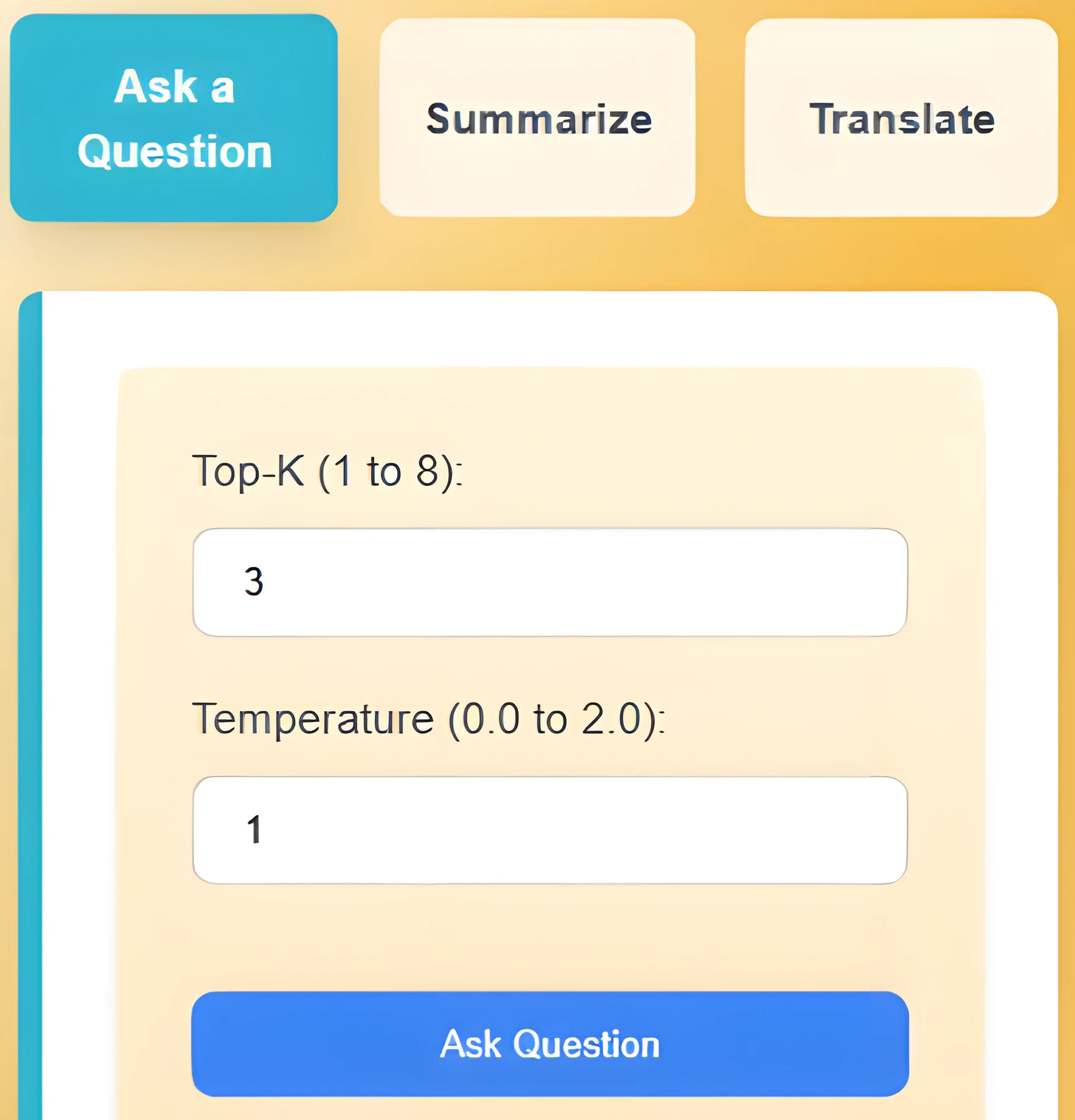
Chrome's Prompt, Summarizer, and Translator APIs make on-device AI a reality. InstaQ stitches them together so any webpage becomes a Q&A surface, with sessions you can come back to.
Building a Charity Site Non-Developers Can Actually Maintain
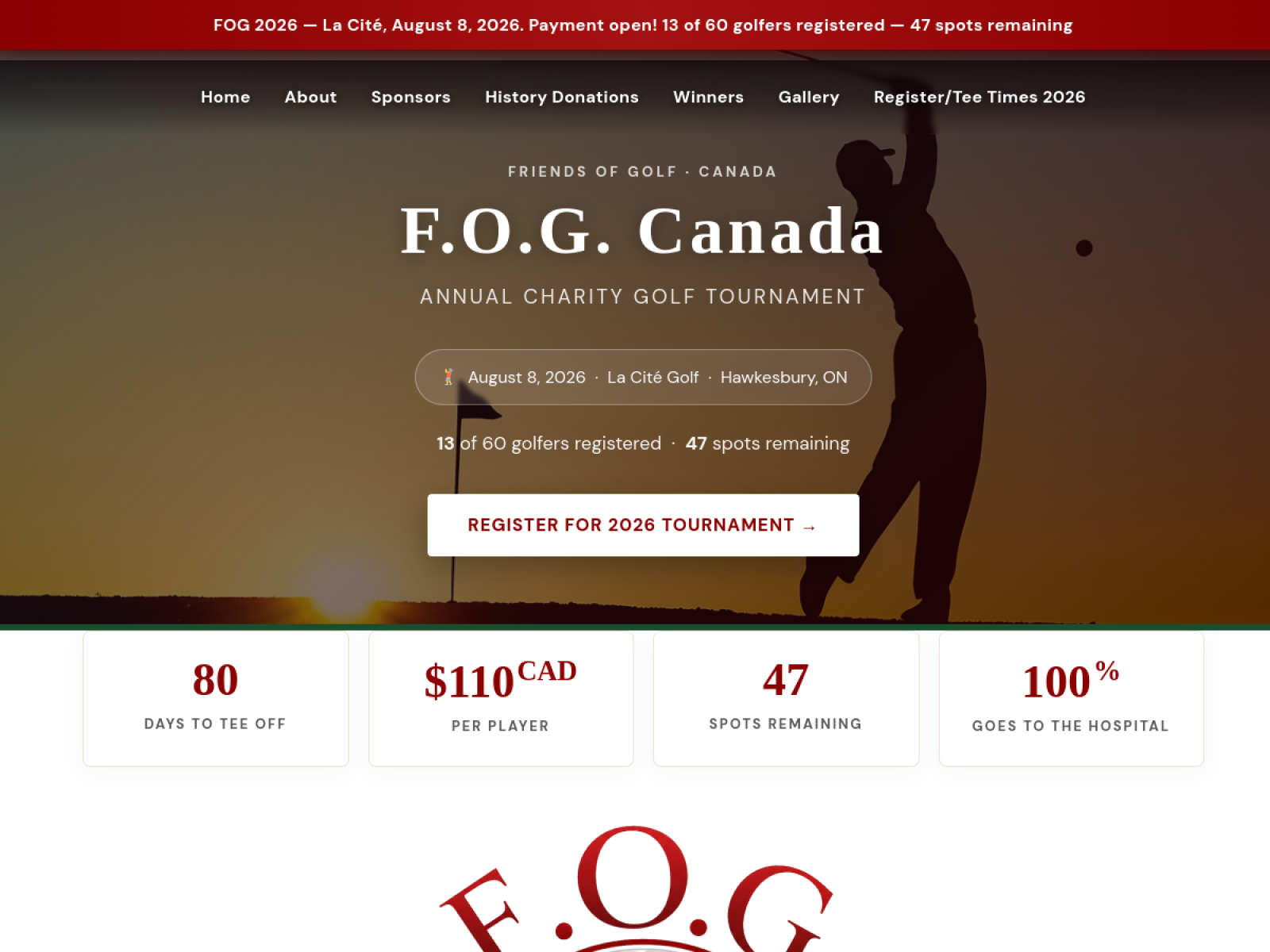
F.O.G. Canada (Friends of Golf) raises money for community causes through an annual golf tournament. The brief was simple: ship a site the team can edit themselves between cycles. WordPress + Elementor, tuned for non-developers, with sponsorship tiers as drag-and-drop modules.